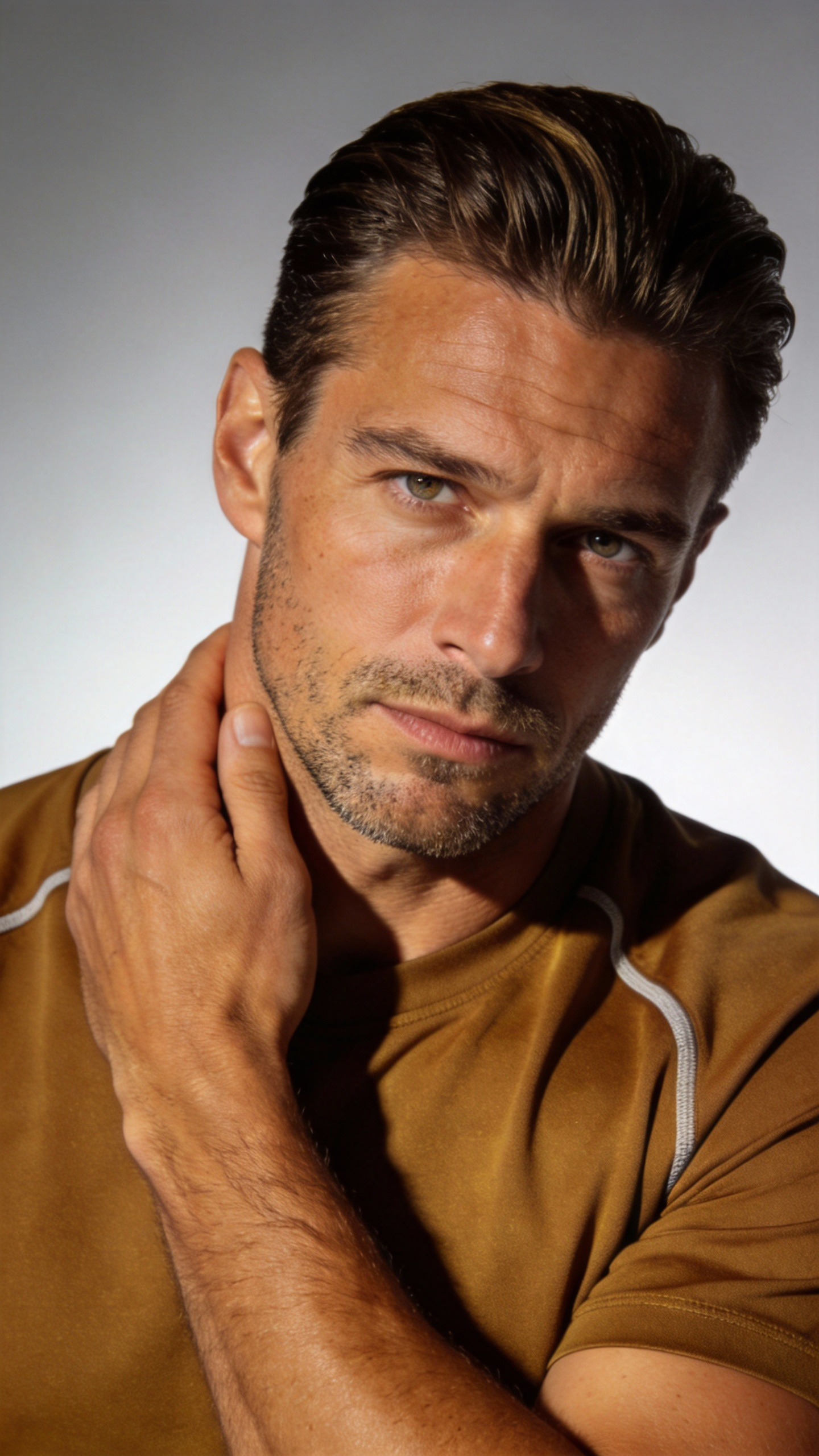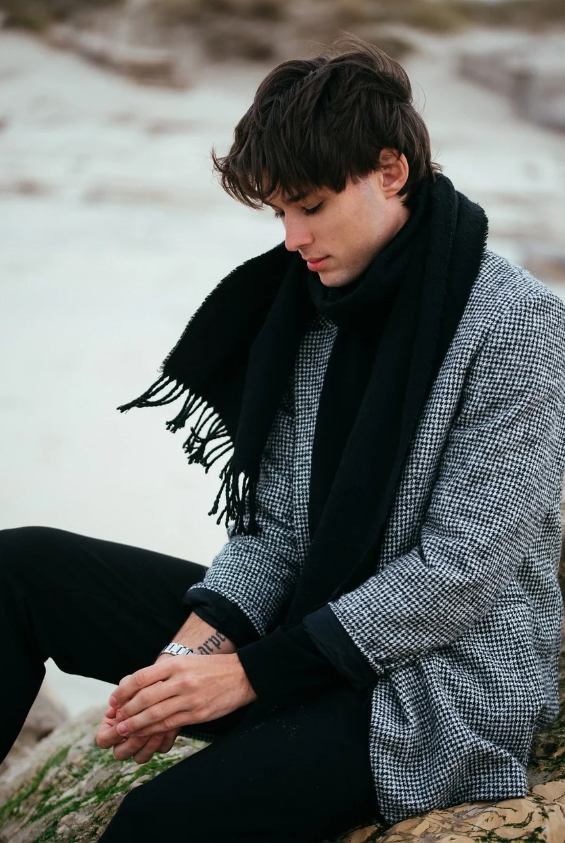
Tired Man Coming Home Finding Key Emotion Shift
View full promptThe man @image-1 walked tiredly in the corridor after get off work, his steps slowed down, and finally he stopped at the door of his home. A close-up shot of his face. The man took a deep breath, adjusted his mood, put…Gemini Omni ai Video Prompts
Free Gemini Omni ai video prompts library — browse, preview & copy
0/20000
✧ Awesome free Omni prompts & sample clips — browse and copy
⌘/Ctrl + Enter to generate
What Are Google Gemini Omni Video Prompts?
Why we show a sample clip for every prompt
Google Gemini Omni video prompts are ready-to-use text instructions for AI video workflows. Each entry pairs a Gemini Omni video prompt with a real sample clip so you can preview motion, lighting, and pacing before you copy — that preview-first workflow is how we document practical experience, not just theory.
Who this free library is for
This library is for creators, marketers, and indie studios who need repeatable Gemini video results without burning credits on vague one-liners. Every prompt includes camera grammar, subject blocking, and temporal cues that models can follow.
How to Create Gemini Video
Step 1 — Browse Gemini Omni video prompts
Open the gallery below and filter by use case: cinematic scenes, UGC, brand ads, explainers, music videos, or game cinematics. Hover to preview the clip, then click View full prompt to open the full text on its own page.
Step 2 — Copy the full prompt and references
Paste the prompt into Google Gemini or your compatible video tool. Add reference images when the prompt uses @image anchors, set aspect ratio and duration, and run a first pass.
Step 3 — Generate, review, and refine
Compare the output to the sample preview. Adjust camera verbs, lighting, or subject details until motion matches your goal — that iterate-and-refine loop is the core of how to create Gemini video with stable results.
How to Write Strong Gemini Omni Video Prompts
Camera, lens, and motion language
Name the shot type (wide, medium, close-up) and how the camera moves: slow dolly in, handheld tracking, crane rise, or locked-off tableau. Strong Google Gemini Omni video prompts read like a shot list, not a mood board alone.
Aspect ratio, duration, and scene focus
State lighting and what moves on screen (fabric, hair, crowd, water). Keep one scene and one main subject per prompt — usually under about 200 words for the most stable output.
Mention aspect ratio (16:9, 9:16) and clip length when your tool supports them. Bookmark this page when you need fresh Gemini Omni video prompts; new community-validated examples are added over time.
Gemini Omni Video Prompts Gallery
Opera Actresses Beautiful Stage Camera Effects
View full promptReplace the girls in @video-1 with opera actresses. The scene is set on a beautiful stage. Refer to the camera movements and transition effects of @video-1, and use the lens to match the characters' movements to create…Commercial Bag Photography Detailed Display Magnificent Audio
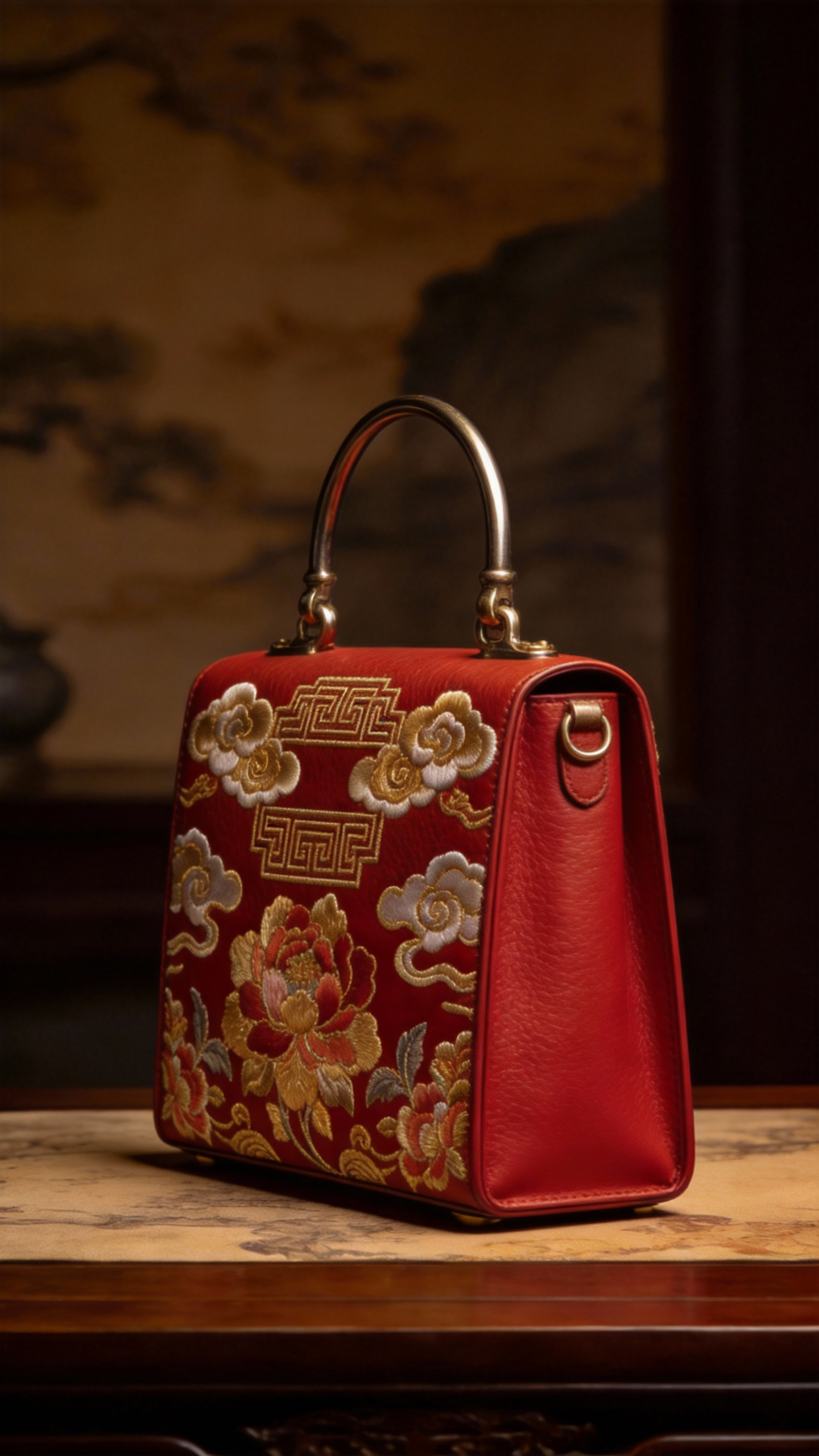
View full promptFor a commercial photography display of @image-2 bags, refer to @image-1 for the side of the bag, and @image-3 for the surface material of the bag. It is required that all details of the bag be displayed, and the…Elevator Hitchcock Zoom Surround Shots
View full promptRefer to the image of the man in @image-1. He is in the elevator of @image-2, and completely refer to all the camera movement effects of @video-1 and the facial expressions of the protagonist. Hitchcock zooms in when…Starry Night Tense Fight Scene
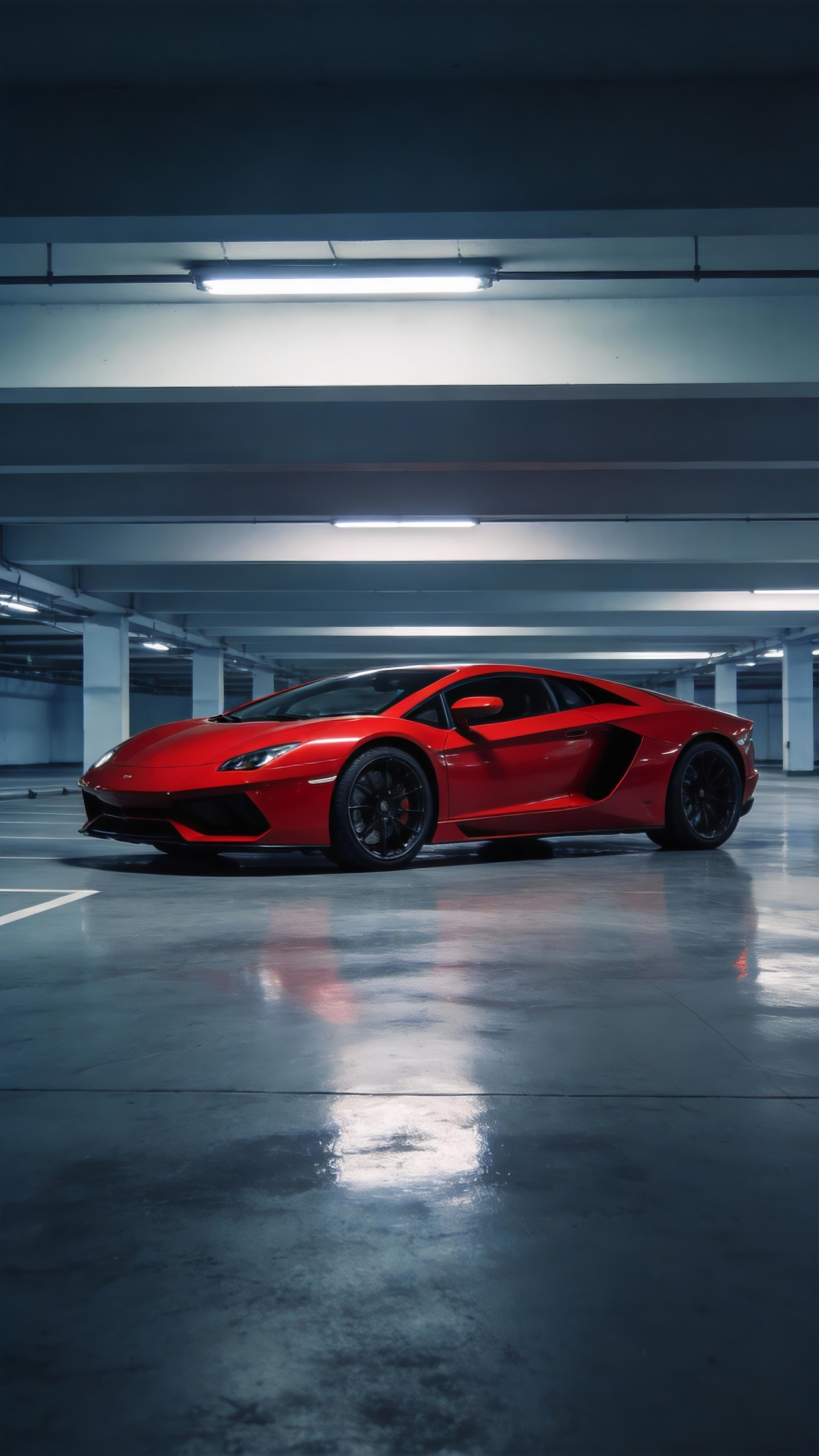
View full promptReferring to the character movements in Video 1 and the surrounding lens language of Video 2, a fight scene between Character 1 and Character 2 was generated. The fight took place in the starry night. During the fight,…Red Supercar Replica Camera Motion
View full promptRefer to the camera movement and screen switching rhythm in Video 1, and reproduce the red supercar in Picture 1.Wearable Polar Velvet Down Jacket Ad Video
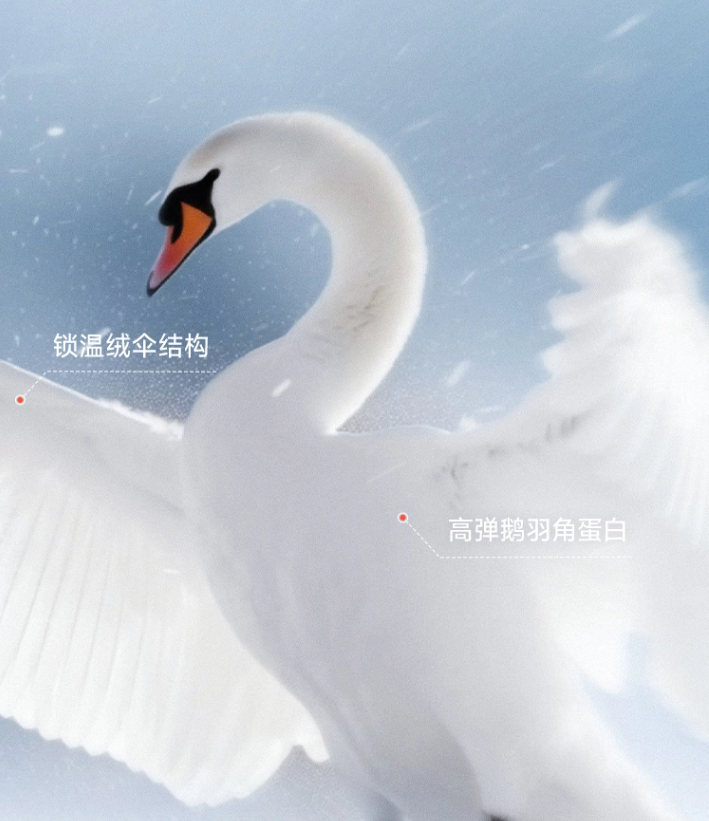
View full promptRefer to the advertising creativity of the video, use the provided down jacket pictures, and refer to the goose down pictures and swan pictures, and match them with the following advertising words: "This is goose down,…Black White Ink Tai Chi Kung Fu Animation
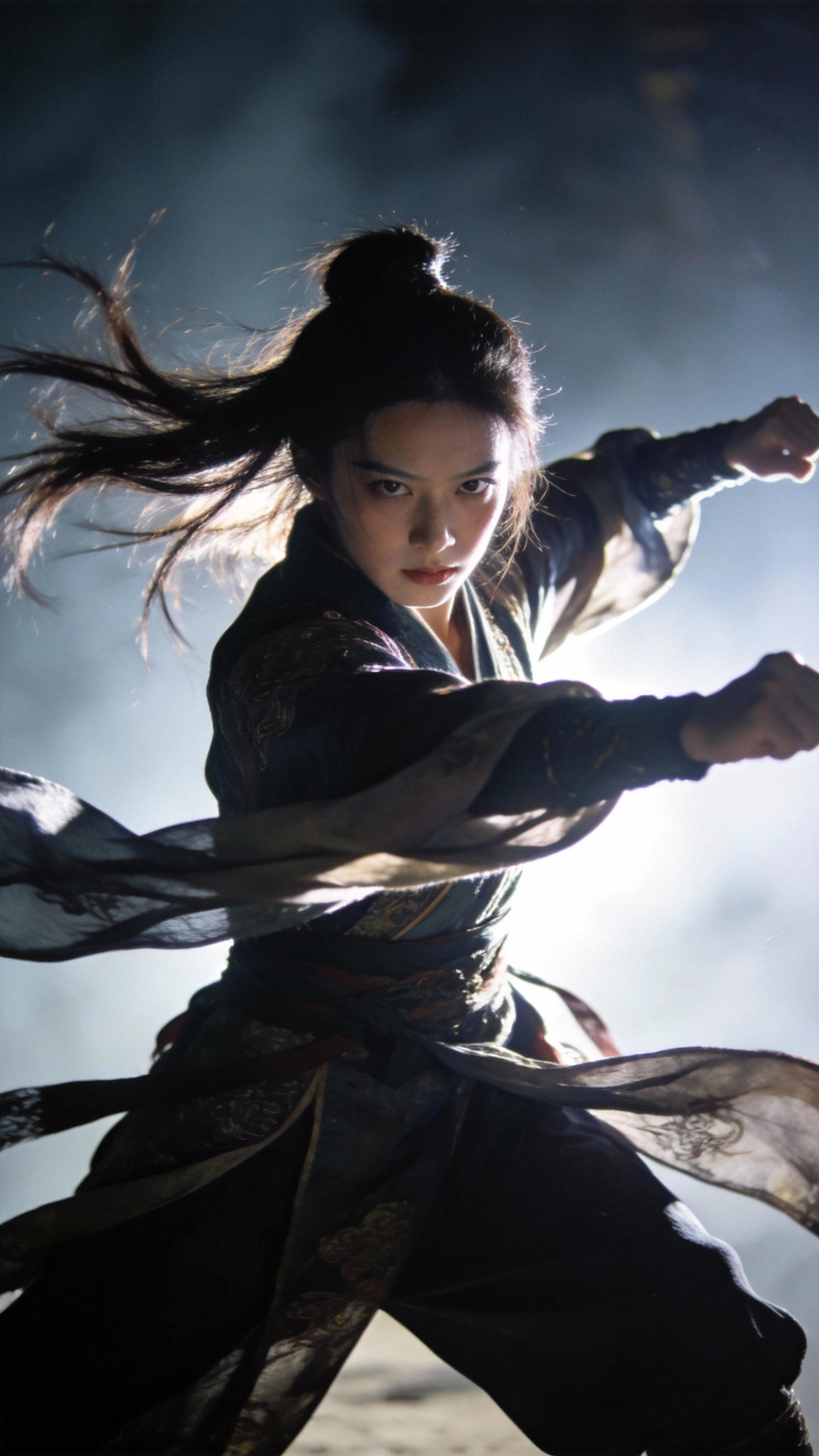
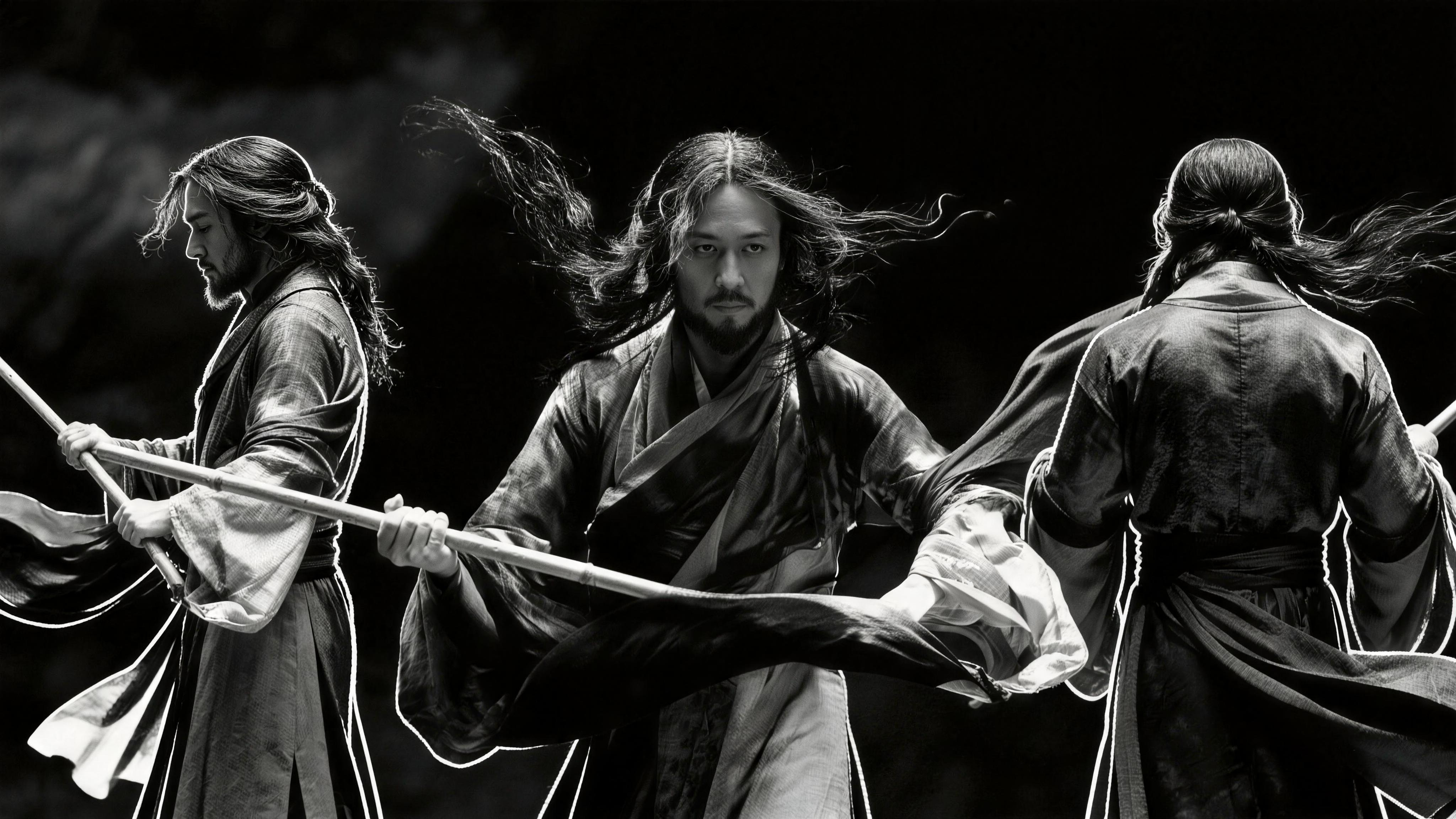
View full promptBlack and white ink style, the characters of @image-1 refer to the special effects and movements of @video-1 to perform an ink Tai Chi Kung Fu episode.Rose Petal Crack Face Weeds To Particles Effect
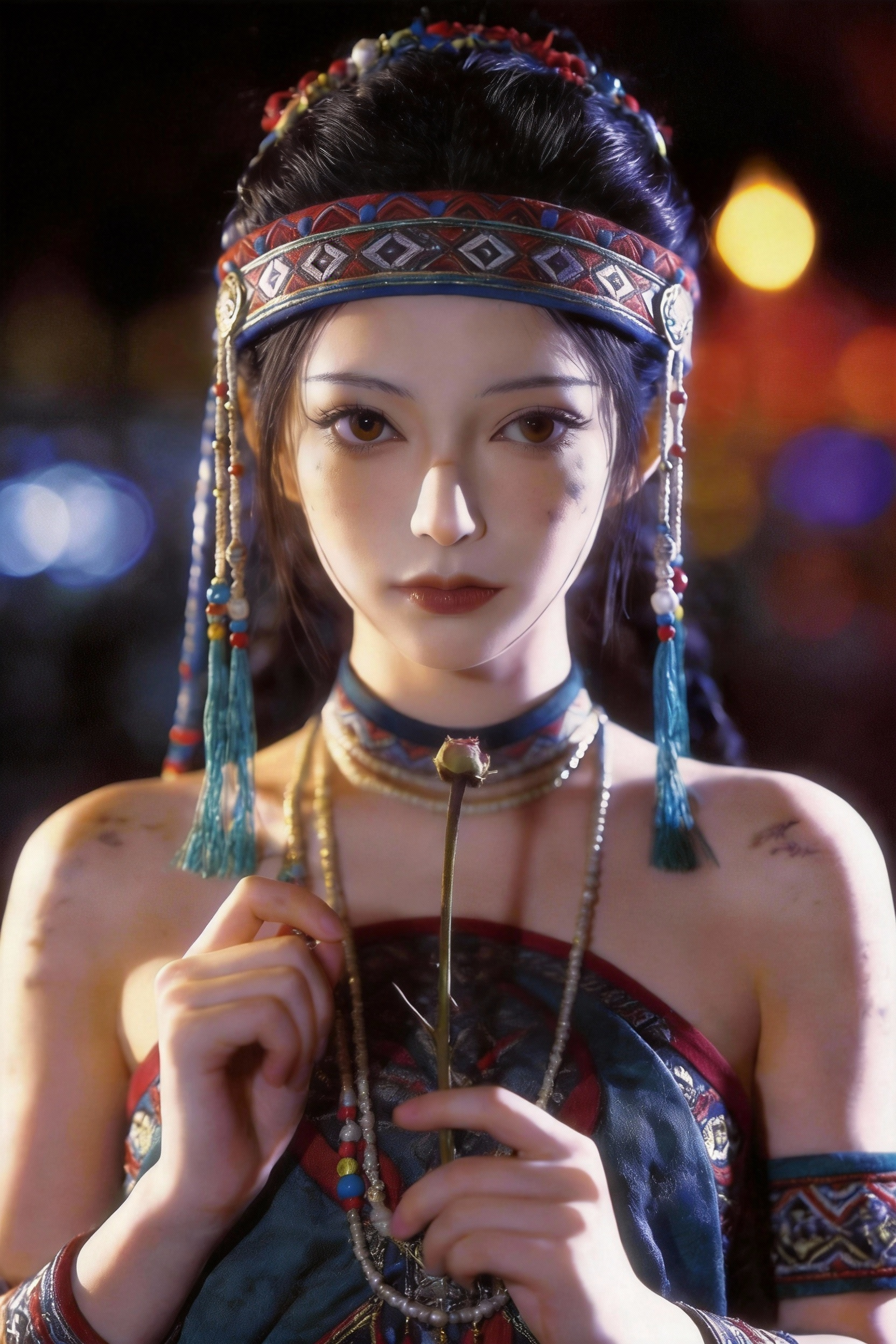
View full promptReplace the character in the first frame of @video-1 with @image-1, completely @ refer to the special effects and movements of Video 1. Rose petals grow from the stamens in the hand, and the cracks extend upwards on the…Scroll for more prompts…