Omni Prompts logo
Omni Prompts

Omni Prompts

Awesome free Omni prompts library — updated daily

✧ Awesome free Omni prompts & sample clips — browse and copy

⌘/Ctrl + Enter to generate

Omni Video Prompts

Total: 51
Featured
@omni.prompts

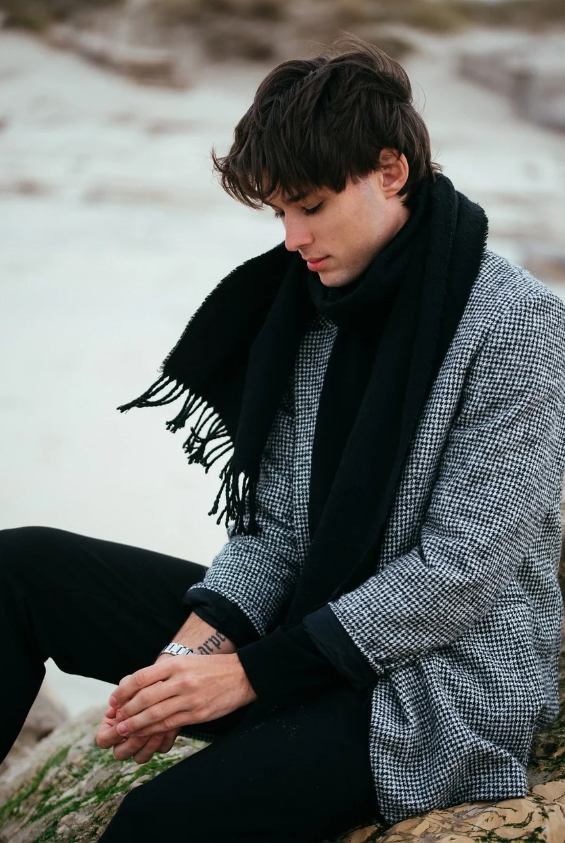
Tired Man Coming Home Finding Key Emotion Shift

The man @image-1 walked tiredly in the corridor after get off work, his steps slowed down, and finally he stopped at the door of his home. A close-up shot of his face. The man took a deep breath, adjusted his mood, put…
Featured
@omni.prompts

Opera Actresses Beautiful Stage Camera Effects

Replace the girls in @video-1 with opera actresses. The scene is set on a beautiful stage. Refer to the camera movements and transition effects of @video-1, and use the lens to match the characters' movements to create…

Featured
@omni.prompts

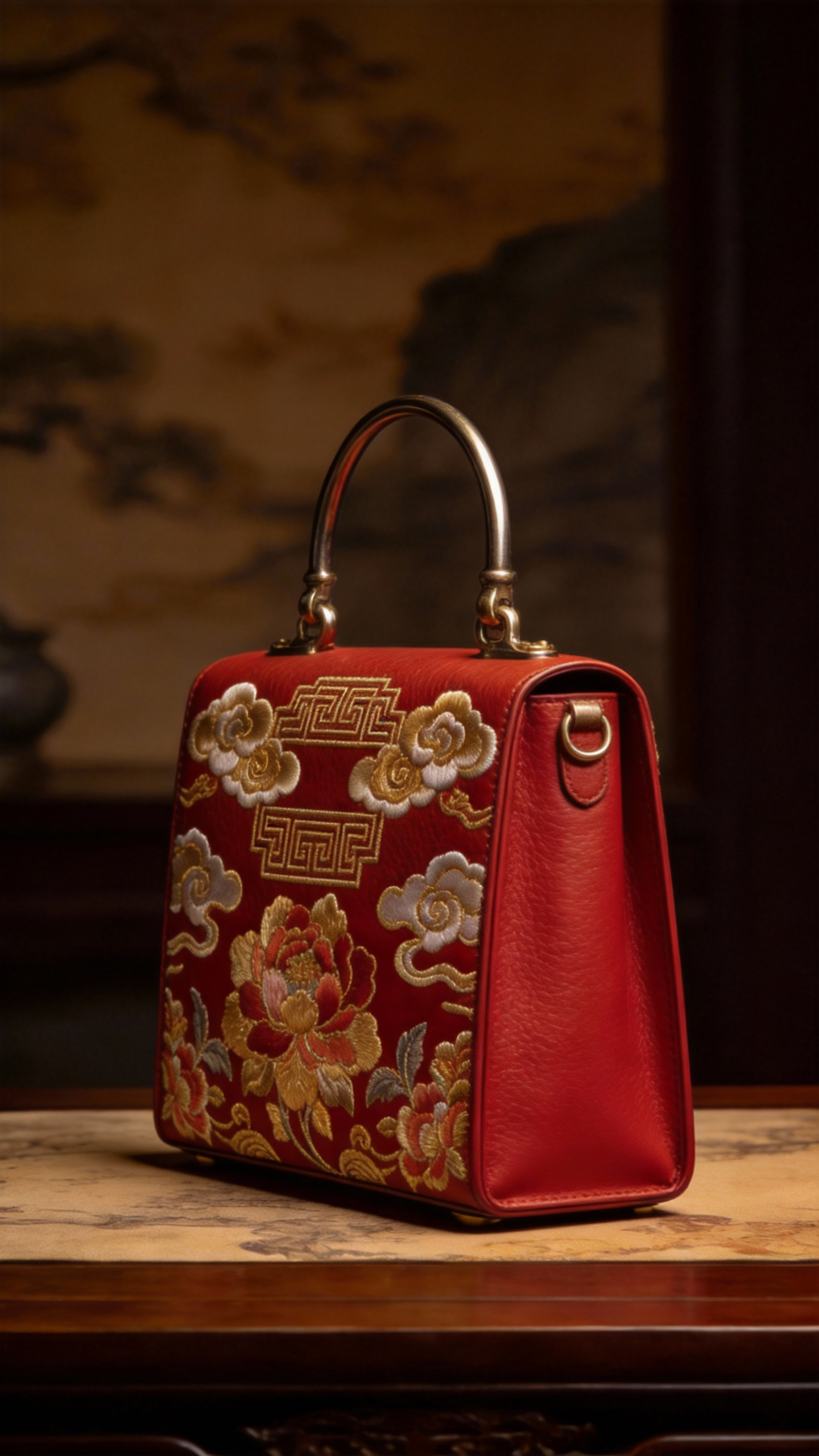
Commercial Bag Photography Detailed Display Magnificent Audio

For a commercial photography display of @image-2 bags, refer to @image-1 for the side of the bag, and @image-3 for the surface material of the bag. It is required that all details of the bag be displayed, and the…

Featured
@omni.prompts

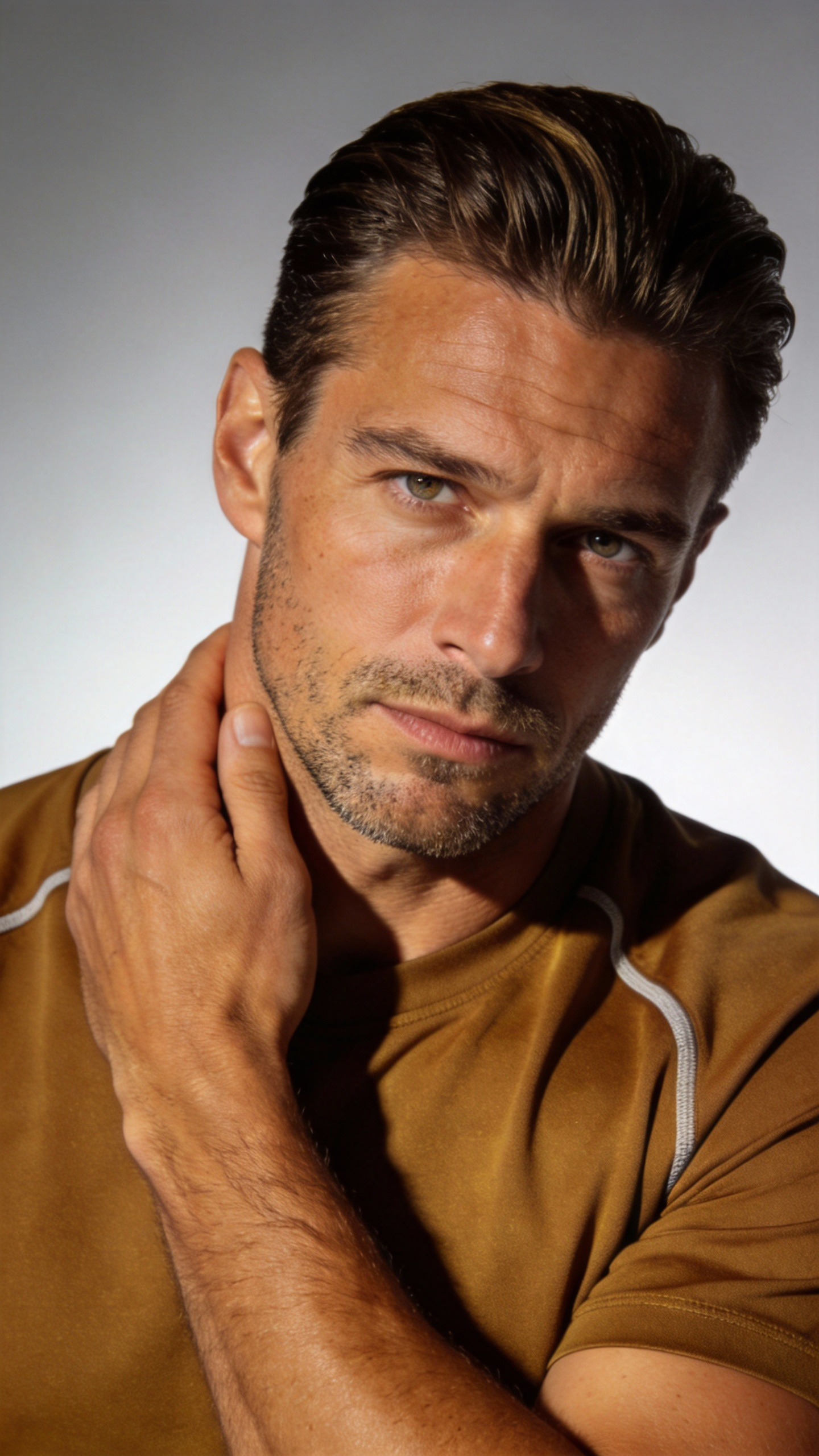
Elevator Hitchcock Zoom Surround Shots

Refer to the image of the man in @image-1. He is in the elevator of @image-2, and completely refer to all the camera movement effects of @video-1 and the facial expressions of the protagonist. Hitchcock zooms in when…

Featured
@omni.prompts

Starry Night Tense Fight Scene

Referring to the character movements in Video 1 and the surrounding lens language of Video 2, a fight scene between Character 1 and Character 2 was generated. The fight took place in the starry night. During the fight,…

Featured
@omni.prompts

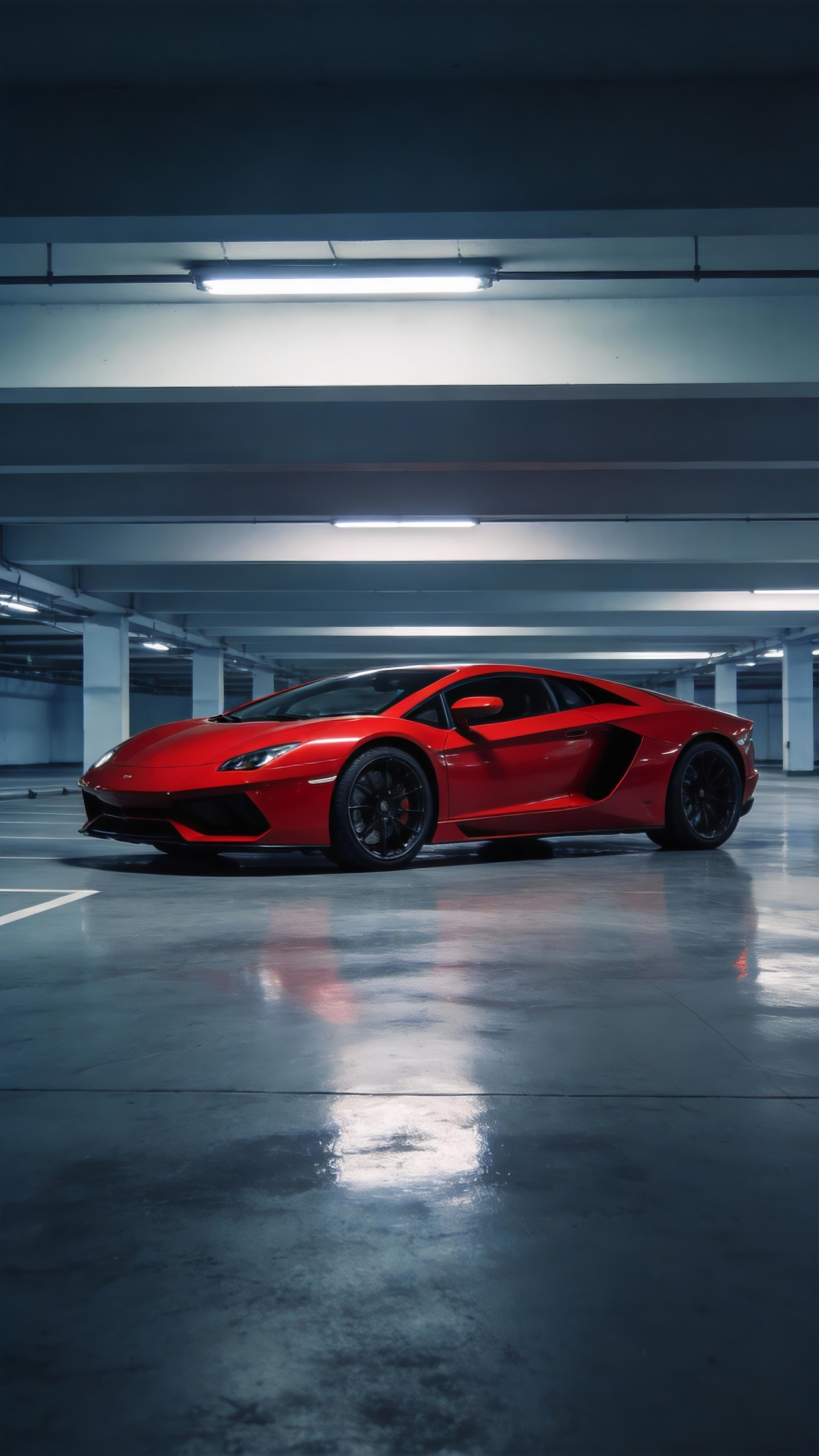
Red Supercar Replica Camera Motion

Refer to the camera movement and screen switching rhythm in Video 1, and reproduce the red supercar in Picture 1.

@omni.prompts

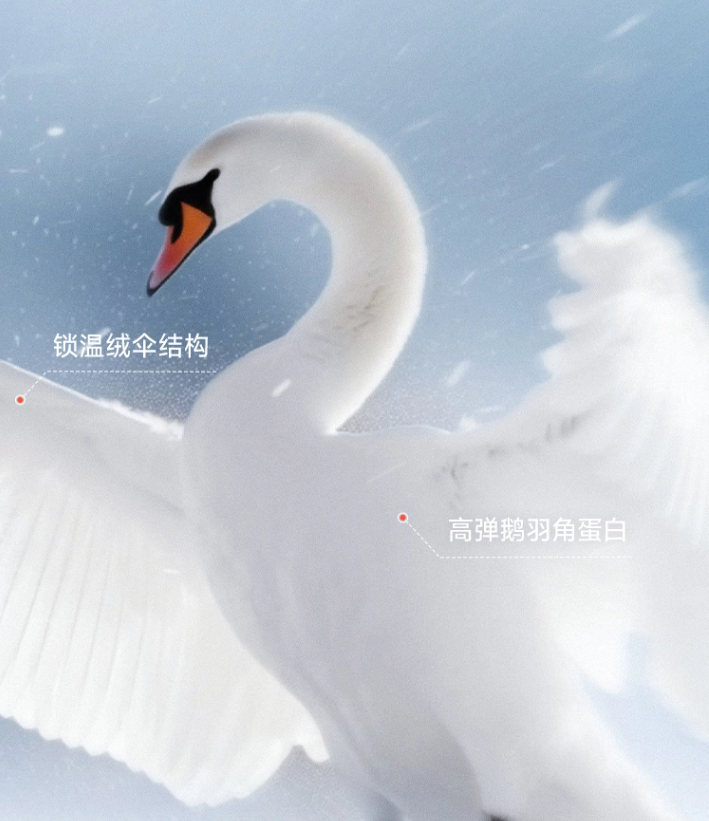
Wearable Polar Velvet Down Jacket Ad Video

Refer to the advertising creativity of the video, use the provided down jacket pictures, and refer to the goose down pictures and swan pictures, and match them with the following advertising words: "This is goose down,…

@omni.prompts

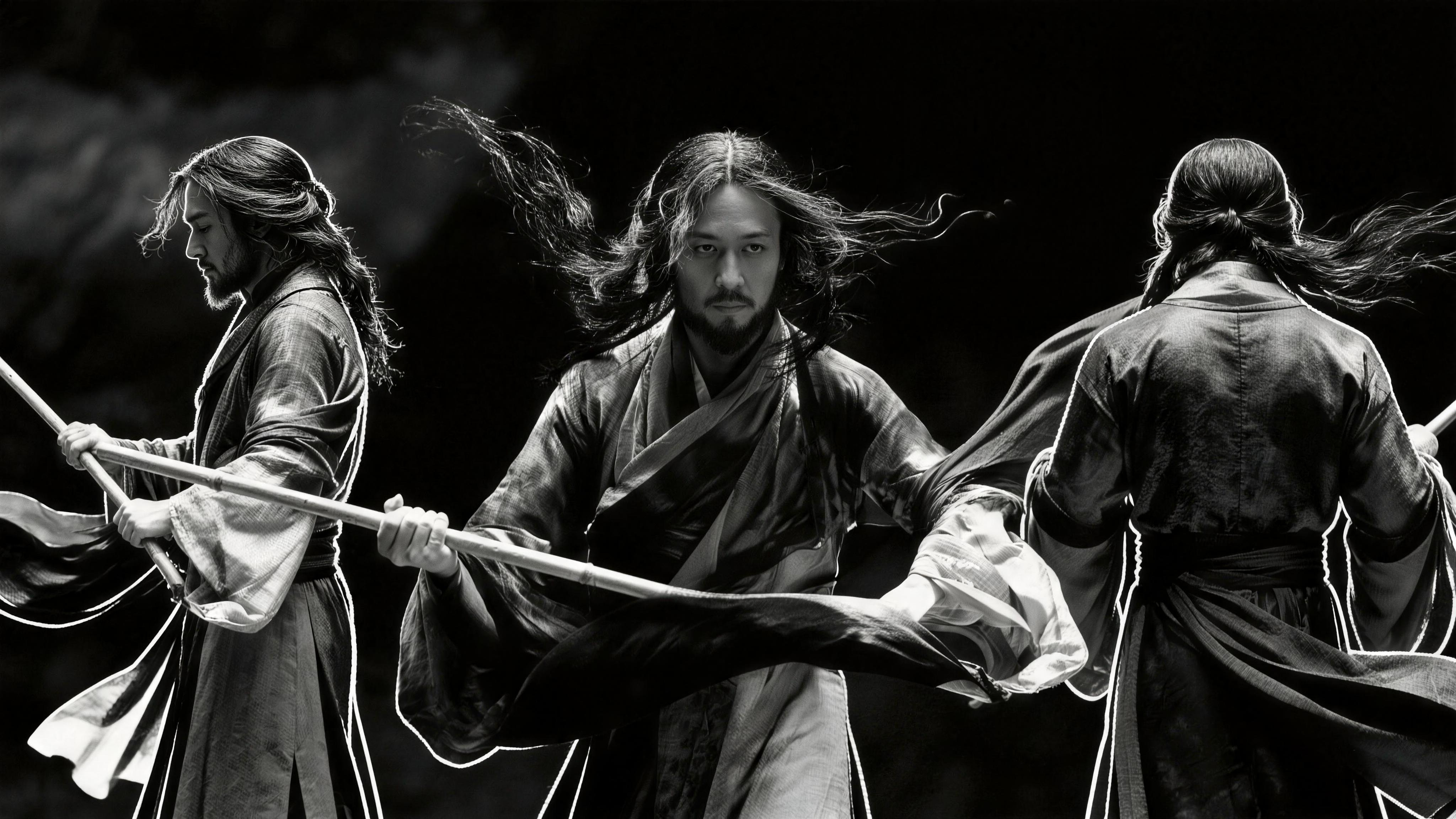
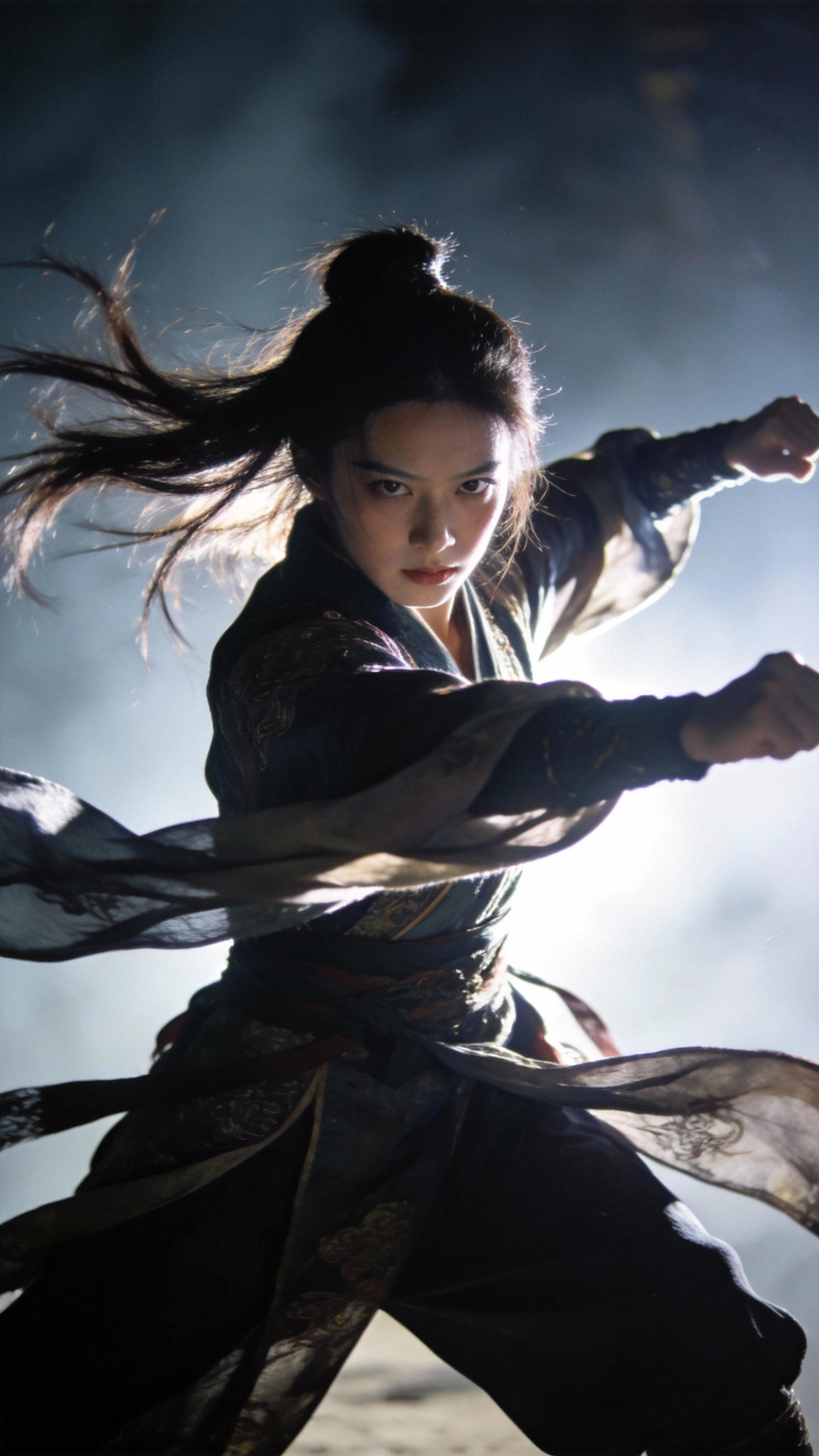
Black White Ink Tai Chi Kung Fu Animation

Black and white ink style, the characters of @image-1 refer to the special effects and movements of @video-1 to perform an ink Tai Chi Kung Fu episode.

@omni.prompts

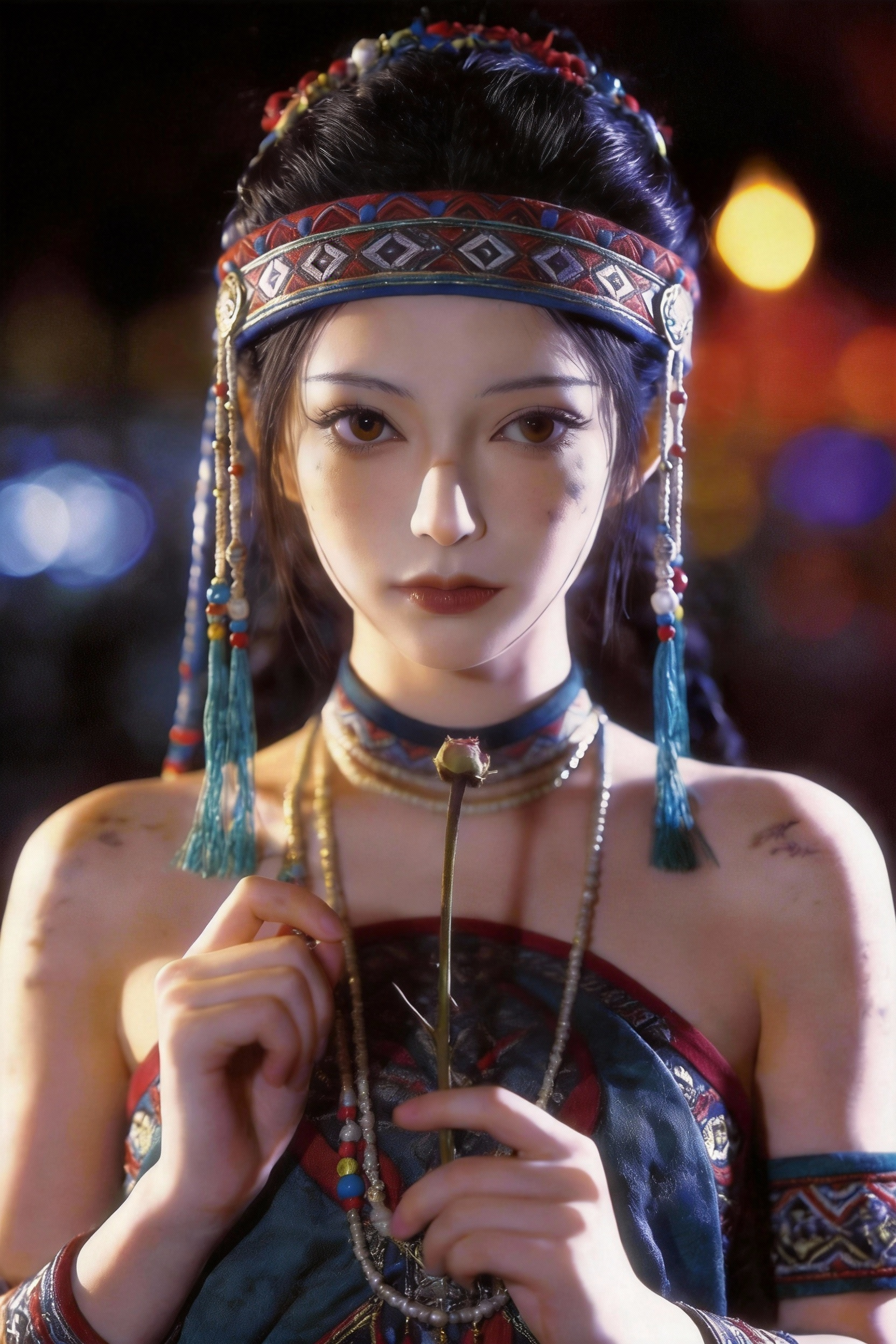
Rose Petal Crack Face Weeds To Particles Effect

Replace the character in the first frame of @video-1 with @image-1, completely @ refer to the special effects and movements of Video 1. Rose petals grow from the stamens in the hand, and the cracks extend upwards on the…

What Are Omni Video Prompts?

Omni prompts are awesome, free, ready-to-use text instructions for AI video creation. Each entry pairs high-signal Omni video prompts with a sample clip so you can preview motion, lighting, and pacing before you copy. Unlike generic one-line ideas, every Omni prompt in this library is written with camera grammar, subject blocking, and temporal cues that video models can follow.

This free Omni video prompts library is built for creators who want repeatable results: filter by cinematic scenes, UGC, brand ads, explainers, music videos, and game cinematics. Open any card to read the full Omni prompts text, copy with one click, and paste into Seedance, Sora-style tools, or your own pipeline. Reference images are listed when a prompt was authored with @image anchors.

Whether you are prototyping shorts, ads, or channel intros, curated Omni prompts help you iterate faster with fewer failed generations. Browse fifty-plus real examples with playable previews — from emotional close-ups and product ads to action set-pieces and stylized anime fights.

Strong Omni video prompts usually specify shot type (wide, medium, close-up), lens behavior (dolly, handheld, crane), lighting mood, and what moves on screen. Mention aspect ratio and duration when your tool supports them; keep a single scene focus per prompt for the most stable output.

Use categories to narrow the gallery, hover to preview clips, and expand any card for the complete prompt. Omni prompts and Omni video prompts on this page are updated as new community-ready examples are validated — bookmark the library and return when you need fresh inspiration for your next AI video project.

Omni Prompts FAQ

Omni prompts are ready-to-use text instructions written for AI video models. A strong Omni prompt usually describes the subject, environment, camera movement, lighting, mood, and motion so the model can render a coherent clip. On this site, each Omni prompt is paired with a sample video so you can judge quality before you copy.
Omni Prompts logo
Omni Prompts

AI-driven plattform för att skapa fantastiska bilder och videor. Förvandla dina idéer till verklighet med banbrytande AI-modeller.

Kontakter

© 2026 Omni Prompts. Alla rättigheter förbehållna.