Omni Prompts logo
Omni Prompts

Gemini Omni ai Video Prompts

Free Gemini Omni ai video prompts library — browse, preview & copy

1
415

0/20000

✧ Awesome free Omni prompts & sample clips — browse and copy

⌘/Ctrl + Enter to generate

What Are Google Gemini Omni Video Prompts?

Why we show a sample clip for every prompt

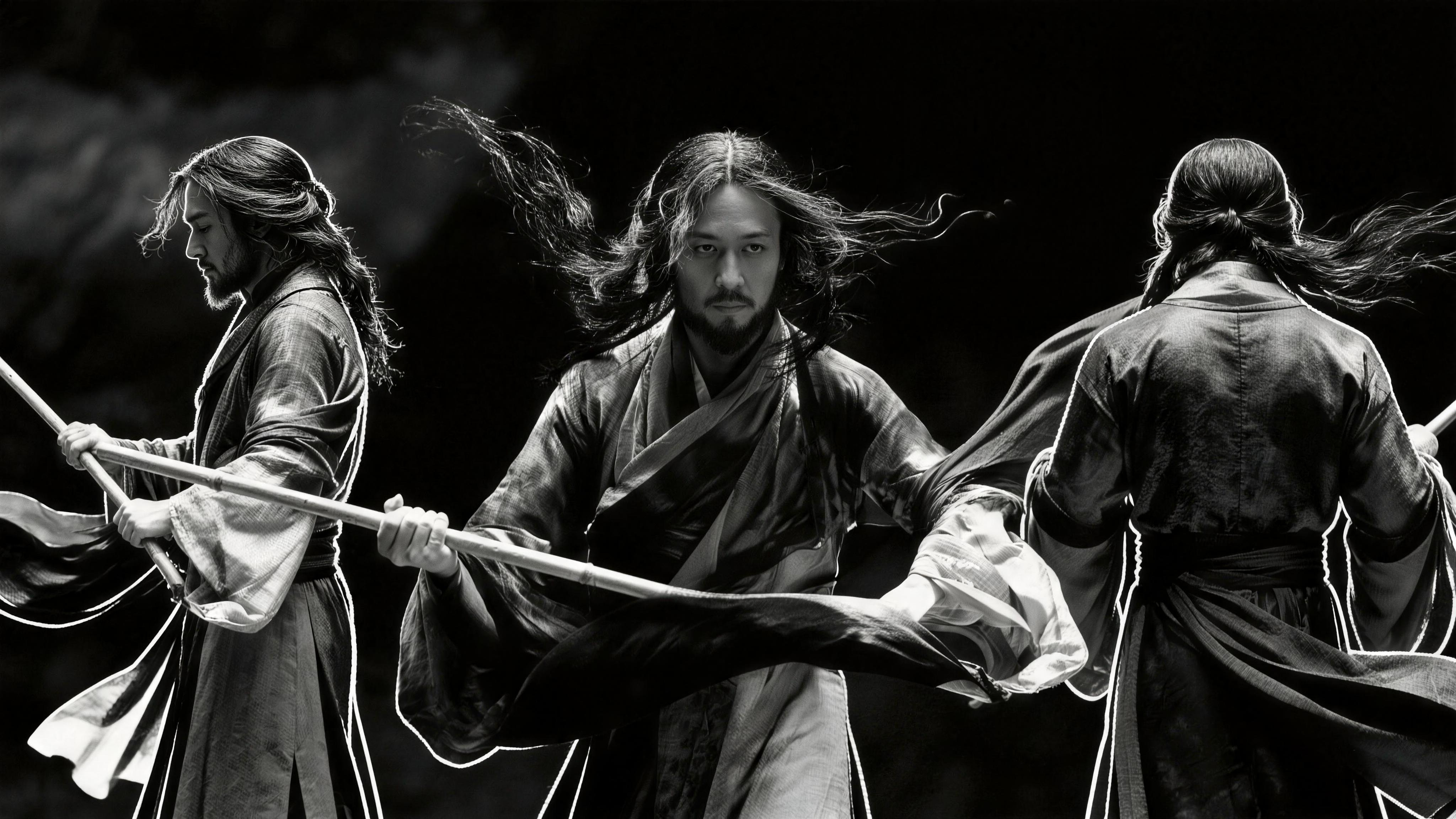
Google Gemini Omni video prompts are ready-to-use text instructions for AI video workflows. Each entry pairs a Gemini Omni video prompt with a real sample clip so you can preview motion, lighting, and pacing before you copy — that preview-first workflow is how we document practical experience, not just theory.

Who this free library is for

This library is for creators, marketers, and indie studios who need repeatable Gemini video results without burning credits on vague one-liners. Every prompt includes camera grammar, subject blocking, and temporal cues that models can follow.

How to Create Gemini Video

Step 1 — Browse Gemini Omni video prompts

Open the gallery below and filter by use case: cinematic scenes, UGC, brand ads, explainers, music videos, or game cinematics. Hover to preview the clip, then click View full prompt to open the full text on its own page.

Step 2 — Copy the full prompt and references

Paste the prompt into Google Gemini or your compatible video tool. Add reference images when the prompt uses @image anchors, set aspect ratio and duration, and run a first pass.

Step 3 — Generate, review, and refine

Compare the output to the sample preview. Adjust camera verbs, lighting, or subject details until motion matches your goal — that iterate-and-refine loop is the core of how to create Gemini video with stable results.

How to Write Strong Gemini Omni Video Prompts

Camera, lens, and motion language

Name the shot type (wide, medium, close-up) and how the camera moves: slow dolly in, handheld tracking, crane rise, or locked-off tableau. Strong Google Gemini Omni video prompts read like a shot list, not a mood board alone.

Aspect ratio, duration, and scene focus

State lighting and what moves on screen (fabric, hair, crowd, water). Keep one scene and one main subject per prompt — usually under about 200 words for the most stable output.

Mention aspect ratio (16:9, 9:16) and clip length when your tool supports them. Bookmark this page when you need fresh Gemini Omni video prompts; new community-validated examples are added over time.

Gemini Omni Video Prompts Gallery

Total: 51

Scroll for more prompts…

Google Gemini Omni Video Prompts FAQ

Start with a proven Gemini Omni video prompt from the gallery above: preview the sample clip, copy the full text, and paste it into your Gemini or compatible video tool. Add reference images if the prompt uses @image anchors, set aspect ratio and duration, then generate a test clip. Refine camera verbs, lighting, and subject details until the motion matches your goal — that is the fastest way to learn how to create Gemini video with consistent results.

Omni Prompts logo
Omni Prompts

Platforma napędzana przez AI do tworzenia oszałamiających obrazów i wideo. Przekształć swoje pomysły w rzeczywistość dzięki zaawansowanym modelom AI.

Kontakty

© 2026 Omni Prompts. Wszelkie prawa zastrzeżone.