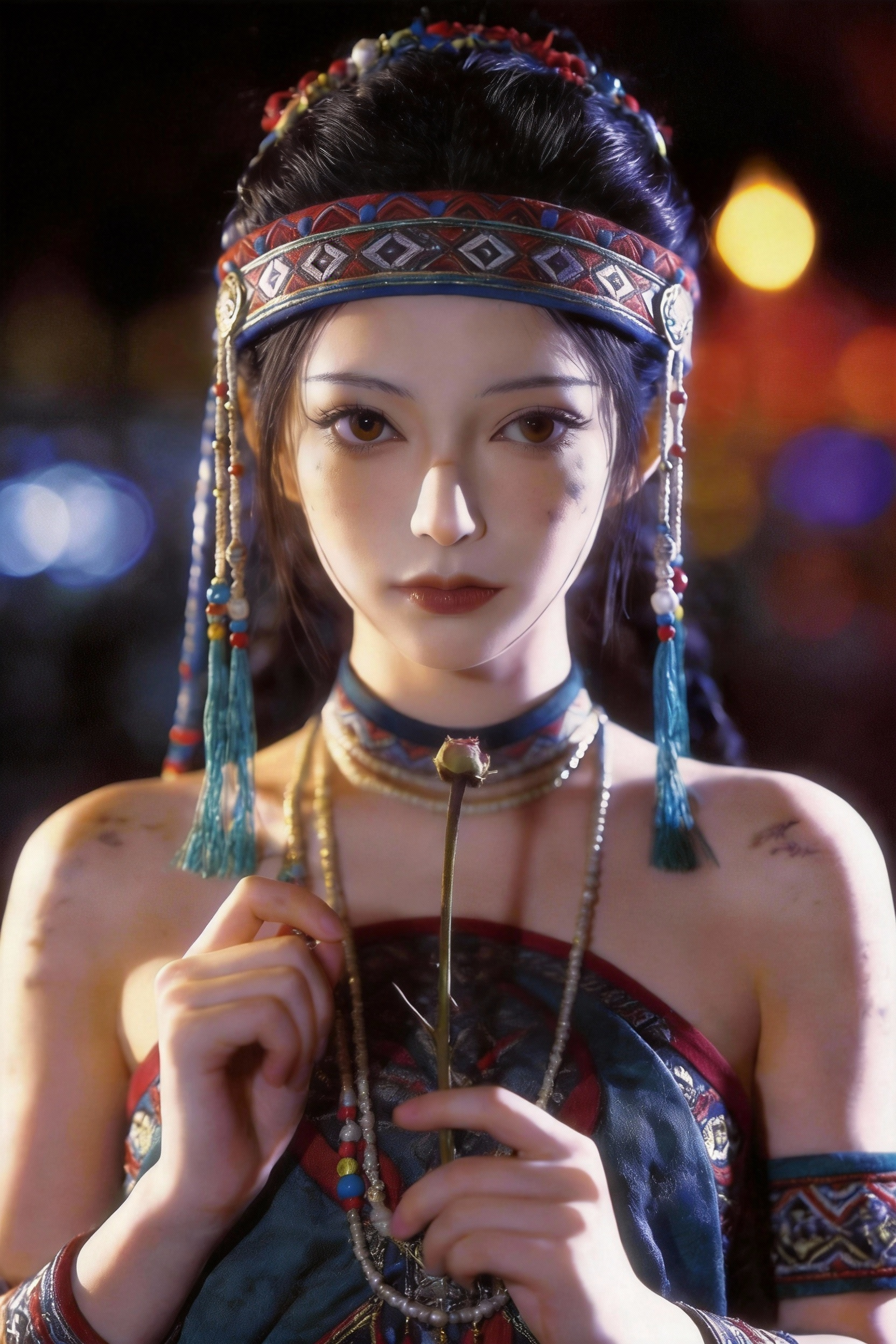
Omni prompts are awesome, free, ready-to-use text instructions for AI video creation. Each entry pairs high-signal Omni video prompts with a sample clip so you can preview motion, lighting, and pacing before you copy. Unlike generic one-line ideas, every Omni prompt in this library is written with camera grammar, subject blocking, and temporal cues that video models can follow.
This free Omni video prompts library is built for creators who want repeatable results: filter by cinematic scenes, UGC, brand ads, explainers, music videos, and game cinematics. Open any card to read the full Omni prompts text, copy with one click, and paste into Seedance, Sora-style tools, or your own pipeline. Reference images are listed when a prompt was authored with @image anchors.
Whether you are prototyping shorts, ads, or channel intros, curated Omni prompts help you iterate faster with fewer failed generations. Browse fifty-plus real examples with playable previews — from emotional close-ups and product ads to action set-pieces and stylized anime fights.
Strong Omni video prompts usually specify shot type (wide, medium, close-up), lens behavior (dolly, handheld, crane), lighting mood, and what moves on screen. Mention aspect ratio and duration when your tool supports them; keep a single scene focus per prompt for the most stable output.
Use categories to narrow the gallery, hover to preview clips, and expand any card for the complete prompt. Omni prompts and Omni video prompts on this page are updated as new community-ready examples are validated — bookmark the library and return when you need fresh inspiration for your next AI video project.